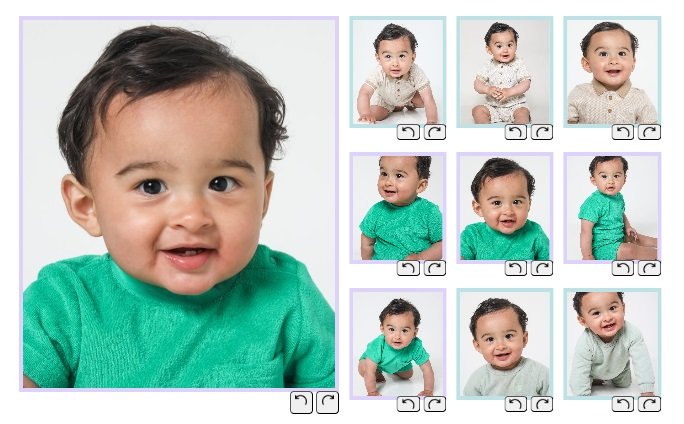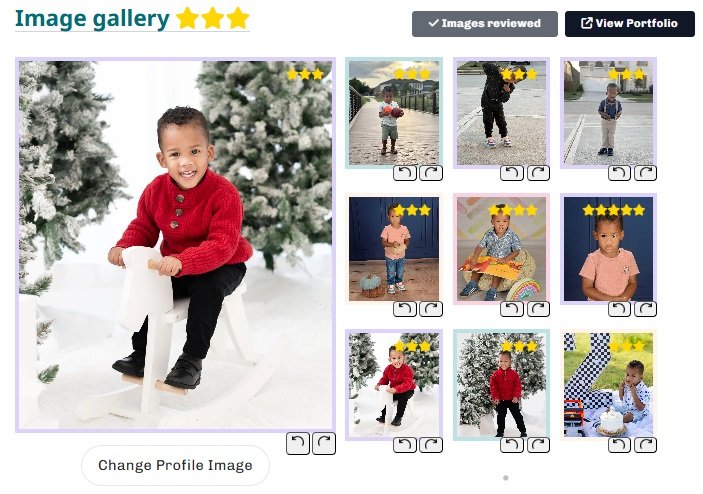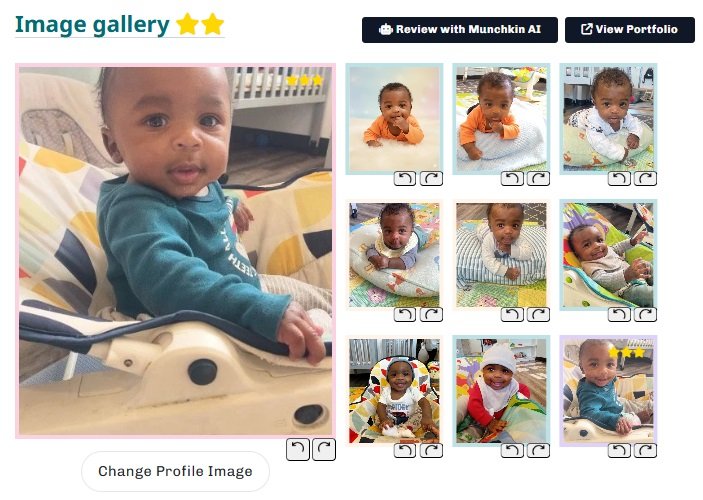
Home / Dashboard / Improve Portfolio

Improve your portfolio photos

Clear, natural images help clients shortlist faster — use this guide to upgrade your uploads.

Goal

Aim for ★★★★☆ or ★★★★★

Higher quality photos perform better in searches and increase shortlist chances.

Tip

Best “quick win”

Stand your child facing a neutral background or plain wall. This alone often turns 3★ photos into 4-5★.

Quick checklist

The 10-second photo check

If your photos match these examples, you’re in the “client-ready” zone.

Do Avoid Limit
Do
Natural light: face clearly visible, no harsh shadows.
Do
Plain/neutral background: tidy wall or simple space.
Do
Solo shots only: no other people or partial arms/legs.
Do
Crop closer: your child should fill the frame.
Do
In focus: tap on the eyes, avoid blur.
Avoid
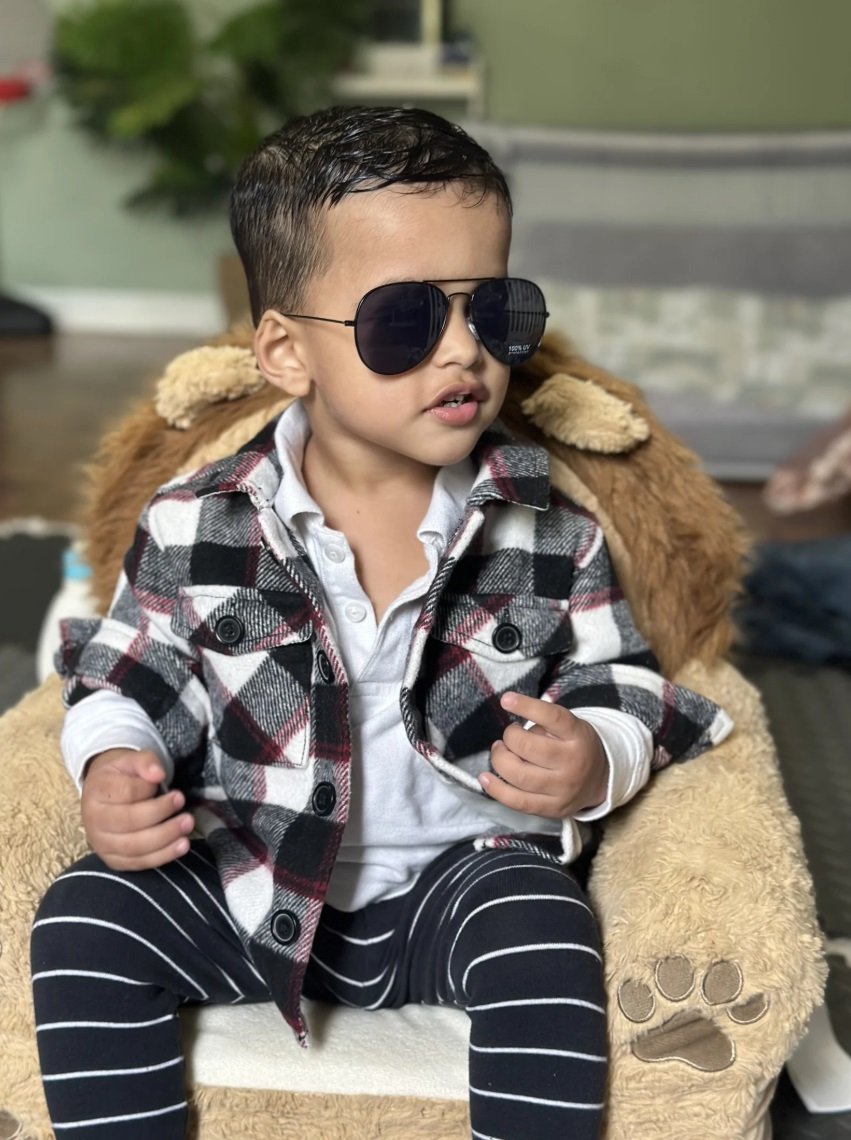
No hats, glasses, dummies, toys covering features.
Avoid
No filters, collages, stickers or heavy edits.
Avoid
Avoid themed photos (Christmas, Halloween etc).
Limit
Black & white: include at most 1 (clients prefer colour).
Limit
Busy outfits: big logos/characters can distract.
Quick setup reminder

Turn off ceiling lights, face a window, and step 1–2m away from the background. Keep the phone at eye level and tap on the eyes to focus.
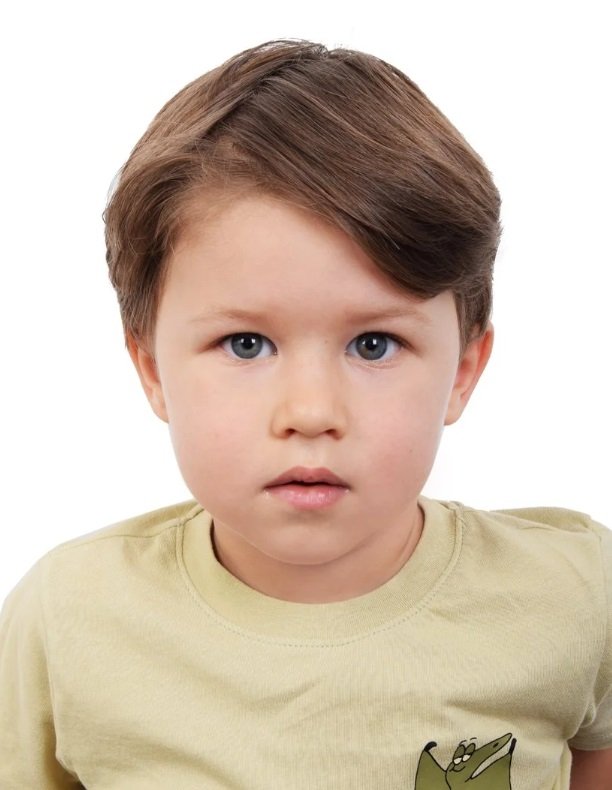

Visual examples
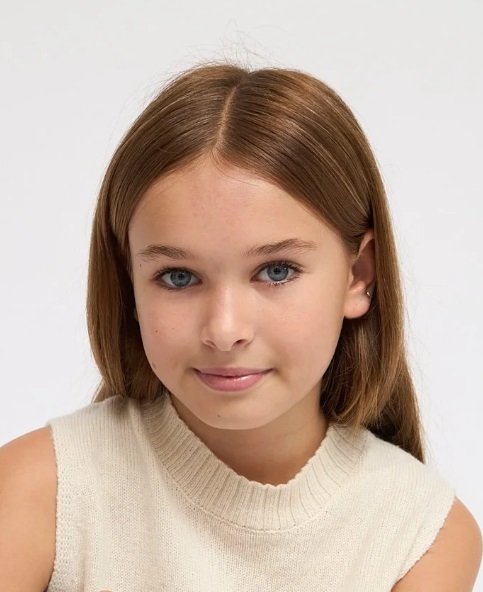
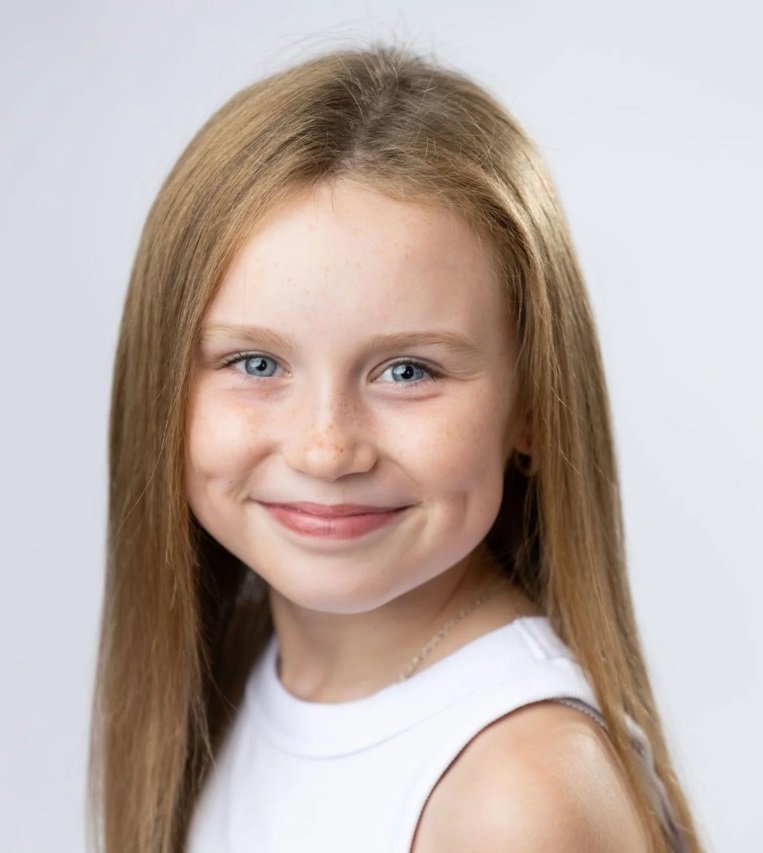
Good Good: natural light
Natural light
Face visible
Good Good: neutral background
Neutral wall
No clutter
Good Good: close crop
Close crop
Child is focus
Good Good: solo shot
Solo
No others in frame
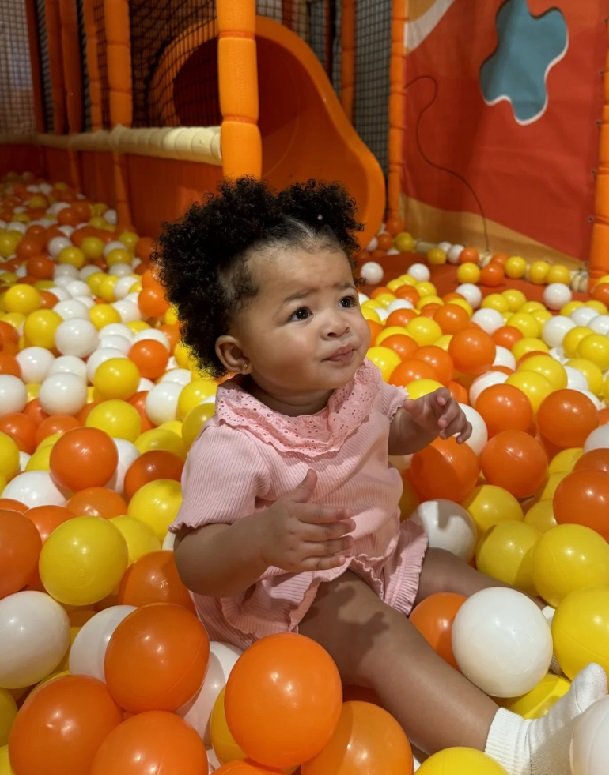
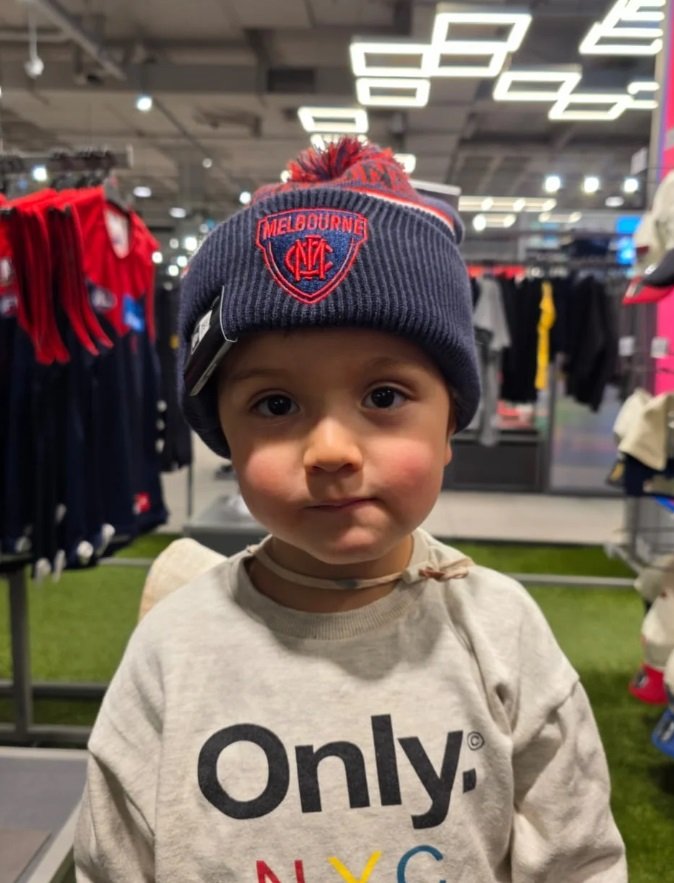
Avoid Avoid: busy background
Backgrounds
Busy background
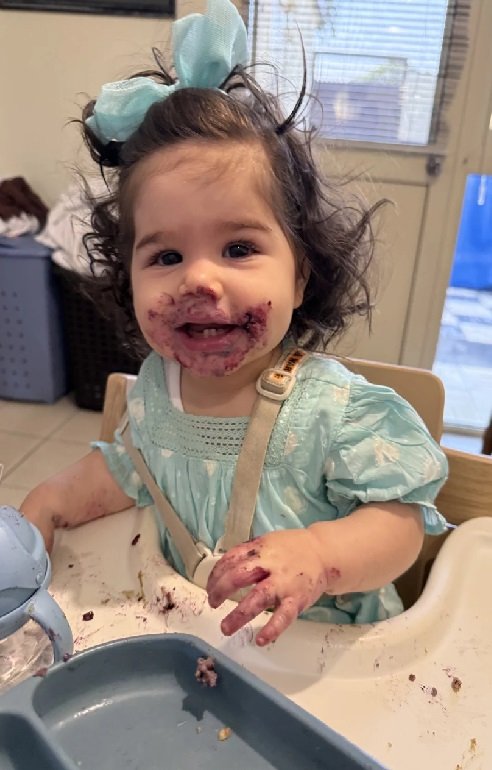
Avoid Avoid: messy
Food
Messy shots
Avoid Avoid: themed
Themes
Christmas/Halloween
Avoid Avoid: accessories
Accessories
Face covered
Headshots

Headshots matter most

Clients decide fast. A clean headshot is usually the first image they click.

Headshot rule of thumb

Crop from mid-chest to top of head. Eyes should sit near the “eyes line”.
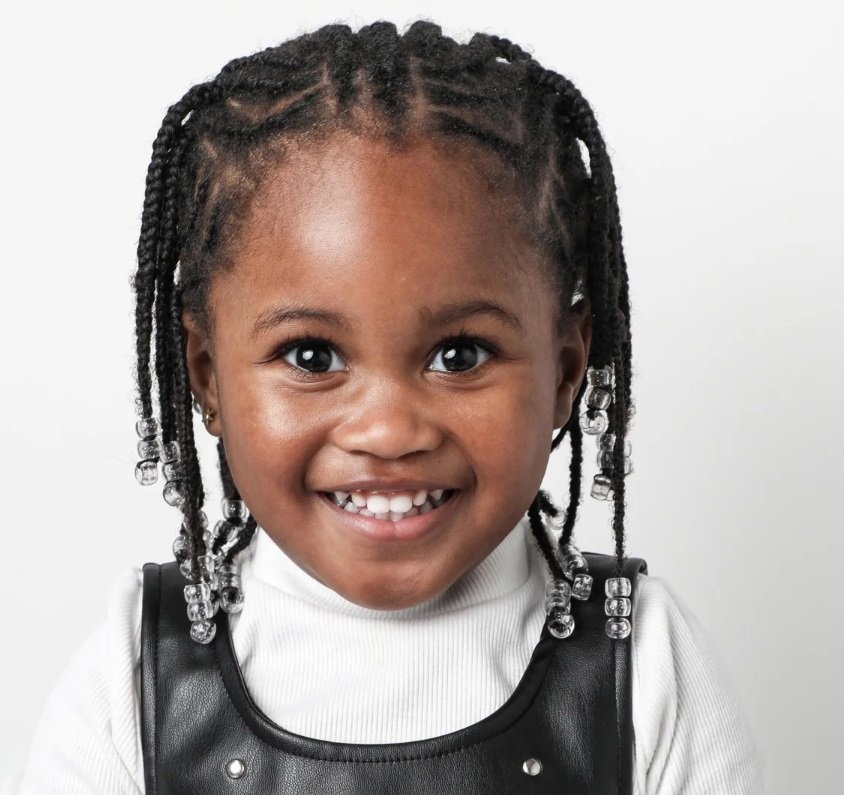
Perfect headshot checklist
Do
Crop: mid-chest to top of head, eyes forward.
Do
Light: face a window (no yellow bulbs).
Do
Background: plain wall, nothing distracting.
Do
Expression: relaxed, neutral or soft smile.
Avoid
Glasses/hats/filters or anything hiding the face.
Avoid
Other children, pets or adults in the frame.
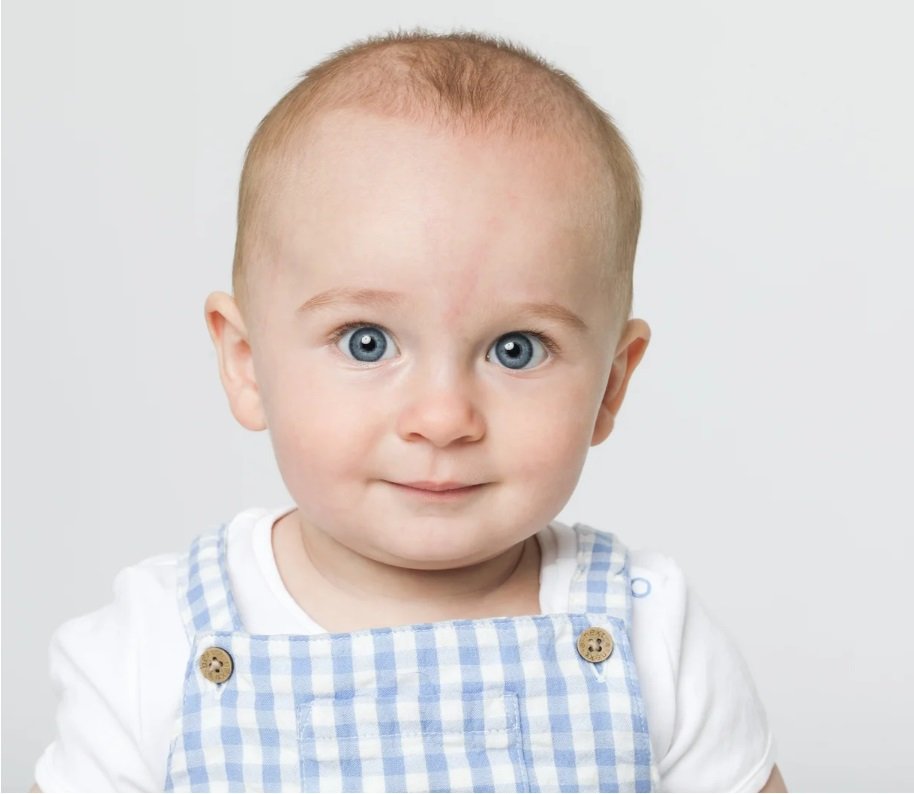
Good
Good headshot
Crop like this
Eyes near the line
Good
Good headshot 2
Natural look
Plain background
Avoid Bad headshot 1
Unclear
Distractions
Avoid Bad headshot 2
Too far
Not close enough
Examples

Before vs after

Same child, different photo quality.
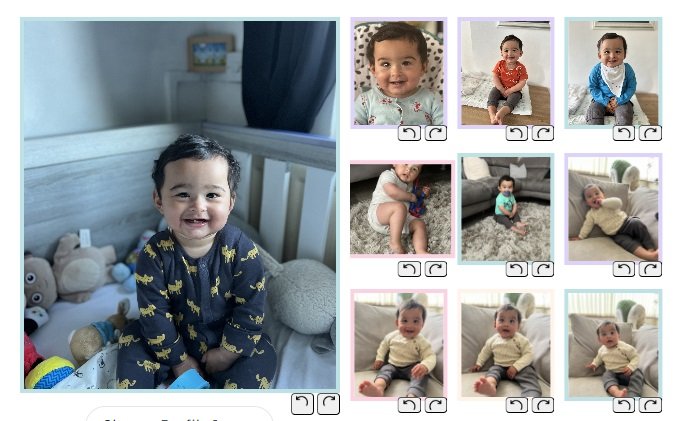
Before Too busy / unclear
Before example
Issue: background distraction / lighting / framing
After Clean • solo • natural
After example
Improved: light + background + closer crop
Munchkins AI

Use AI + this guide together

Fix the “style” with the examples above, then run AI to polish each image.

Best workflow

1) Use Munchkins Ai. 2) Replace low-rated photographs 3) Run Munchkins AI to fine-tune each image.
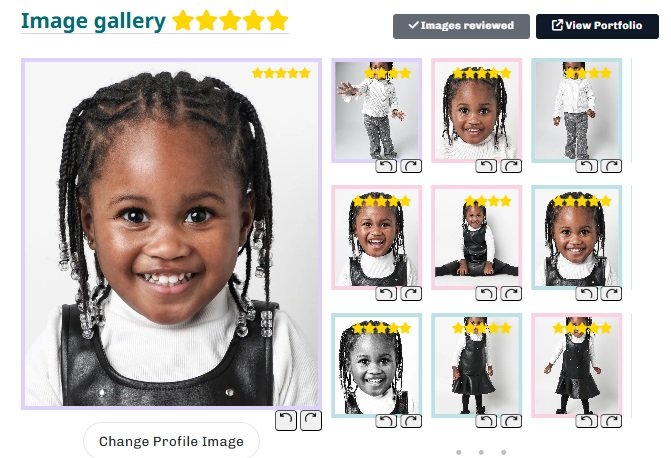
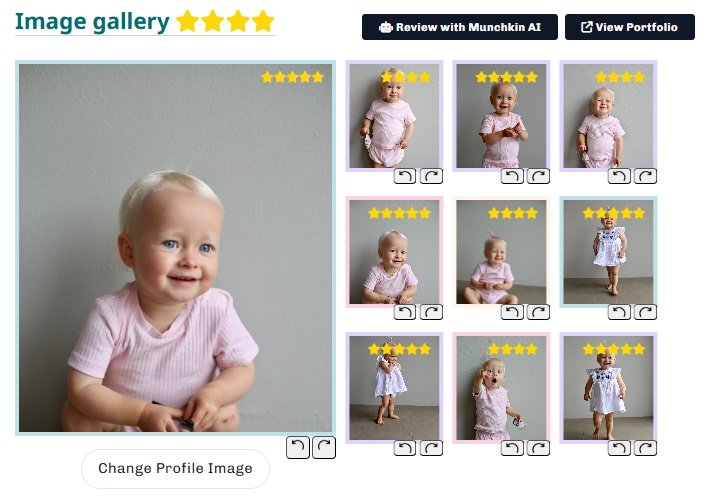
AI score preview Goal: ★★★★☆+
IMG_0012.jpg
Overall: 4.0 / 5
★★★★☆
Lighting
Focus
Background
Framing
Most common reasons photos score low
Avoid
Other people or items in photographs.
Avoid
Busy backgrounds / clutter / food shots.
Avoid
Filters, collages, borders, stickers.
Avoid
Costumes/themed image (Christmas etc).
What AI is “seeing” (examples) Quick comparisons
5★ style AI 5 star example
Bright + clean
Simple background
4★ style AI 4 star example
Almost there
Headshot improvement
3★ style AI 3 star example
Needs work
Not enough closeups
2★ style AI 2 star example
Cluttered
Hard to assess
FAQ

Common questions

No. Clear, natural home photos are perfect — as long as lighting is good, the background is plain, and the image is sharp.

Clients shortlist individual models. Group photos make it harder to identify your child and are often unusable for casting selections. There is a section title "My Family", where you can upload parent/guardian images for family castings.

You should be looking to provide no less than 10 photographs. These should consist of at least 1 headshot, with a mix of mid-shots and full-body shots. Images should be updated regularly in accordance to our guidelines.

It’s important to keep your child’s portfolio current so clients can see their most accurate and recent look. As children grow and change quickly, new photos help casting agents decide if they’re right for upcoming jobs.

An updated portfolio also shows that you’re active and engaged, which makes a good impression on clients and the agency. Even adding one new image can help your child stand out and increase their chances of being shortlisted.

Update Guidelines

  • Babies (0–6 months): Every 1 to 2 months
  • Babies (6–12 months): Every 2 to 3 months
  • Toddlers (1–3 years): Every 3 to 5 months
  • Children (3–5 years): Every 6 months
  • Children (5–8 years): Every 6 to 12 months
  • Children (8–16 years): Annually

You can include black and white images but please limit them. Clients prefer true colour to assess your child’s look accurately.